MemeHub guide
How to Make a Work Meme
The strongest work memes name a situation people recognize while leaving enough room for the image to exaggerate it. A meeting, deadline, status message, or product decision can become funny when the caption focuses on one precise moment.
By Fardeen · Updated 2026-08-23
Match the format to the office joke
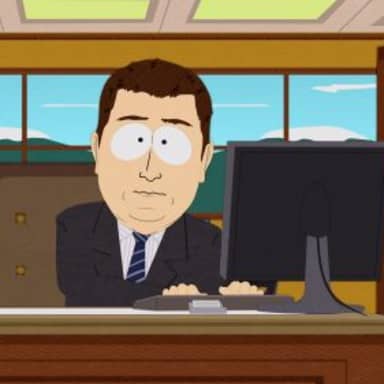
Use a reaction image for disbelief, resignation, or sudden panic. Choose a comparison format when the joke contrasts what a project promised with what it delivered. A multi-panel format works when the audience needs to see a short sequence, such as planning, discovering a problem, and pretending the plan is still fine.
Do not make the caption explain the image. If the template already communicates the reaction, use the words to establish the meeting, message, or deadline that triggered it. This keeps the meme legible on a phone and makes the visual punchline do useful work.
Write for colleagues without leaking context
Replace internal ticket numbers, client names, private links, and confidential metrics with a neutral description that preserves the joke. A good work meme should be understandable to the intended team without turning a private incident into public evidence.
Keep the setup short and let the final phrase turn the expectation. For example, the caption can set up a quick status meeting and end with the realization that the meeting created three new meetings. The audience supplies the shared experience; the image supplies the exaggerated response.
Review the meme before sharing
Check whether a coworker, customer, or partner could be identified from the text, screenshot, or background. Remove names, faces, documents, and system details that are not essential to the joke. Humor is easier to share when people do not have to calculate the privacy risk first.
Read the finished meme as someone outside your immediate team. If the joke needs a long explanation, either add one precise piece of context or choose a more familiar format. Finally, verify that the caption is readable at phone size and that the image does not turn a real person's mistake or vulnerability into an unwanted public punchline.
- Blur or remove private information before exporting.
- Avoid targeting a named person who did not agree to be the subject.
- Keep a neutral version if you need to share the joke in a wider audience.