MemeHub reference
Meme Format Handbook
A practical guide to choosing a meme format, understanding caption areas, and matching an image to the idea you want people to recognize.
Updated August 23, 2026 · By Fardeen
MemeHub library snapshot
These figures describe the catalog used by this handbook. They are a dated product snapshot, not claims about the entire internet meme ecosystem.
- Templates in library
- 1,780
- Editorially indexable
- 542
- Curated collections
- 25
- Editorial keywords
- 1,371
Indexable formats by shape
- Landscape
- 247
- Square-ish
- 230
- Portrait
- 65
An entry becomes indexable only when it has specific visual and cultural context, at least three useful keywords, three concrete use cases, a valid image, a caption area, safe public naming and annotation text, and a stable detail URL. The remaining catalog is still available inside the product but is not submitted as thin search inventory.
Method and limitations
This is a snapshot of MemeHub's own public template catalog, not a ranking of popularity or a survey of the entire internet. Counts are calculated from the stored image dimensions, caption-area metadata, taxonomy terms, and editorial annotations available on the update date above.
- “Editorially indexable” means the entry passed MemeHub's image, naming, safety, metadata, and context checks.
- Shape groups use the stored aspect ratio: landscape above 1.25, portrait below 0.8, and square-ish otherwise.
- Collection membership comes from the catalog's topic terms or exact caption-area counts, not from traffic estimates.
- The figures should be recalculated when the catalog, taxonomy, or editorial review process changes.
Four useful format families
The name of a template is less important than the job its visual structure performs. Start with the relationship between the caption and the image, then choose a familiar format that makes that relationship easy to read.
Reaction formats
The image supplies disbelief, delight, panic, resignation, or another visible response. Use the caption for the event that triggered the feeling, not for a label that repeats what the face already says. Leave eyes, hands, and posture visible.
Comparison formats
Two sides or choices make a contrast legible. Give each side a distinct role—expectation and reality, appealing option and tempting mistake, or plan and consequence. Keep the labels parallel so the audience can compare them quickly.
Sequence formats
Three or more caption areas can show escalation, a decision, or a short chain of events. Let each panel move the situation forward. If every panel repeats the same sentence, a simpler reaction or comparison template will usually be clearer.
Caption-led formats
Some images mainly provide atmosphere or a recognizable setup, while the words carry the turn. Use a short top banner or open area when the sentence needs context, but do not cover the visual detail that makes the format familiar.
Format examples
These examples are selected from the same editorially indexable catalog used for the snapshot above. Open one to inspect its caption areas, format-specific guidance, and editor path.
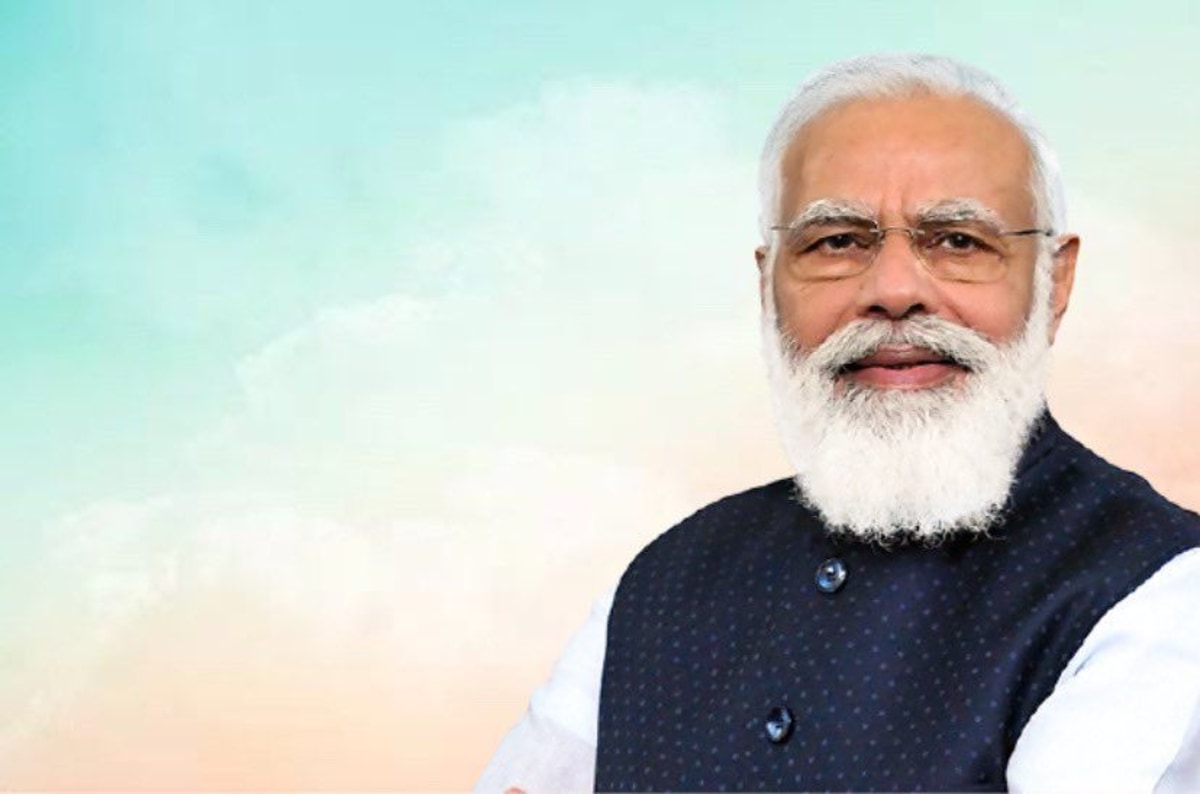
Reaction format
Modi G Poster Meme Template
A reaction format lets the expression carry the feeling while the caption names the event that triggered it.

Comparison format
Crying Wojak Vs Chad Meme Template
A comparison format works when the joke depends on two choices, outcomes, or viewpoints that the audience can scan side by side.
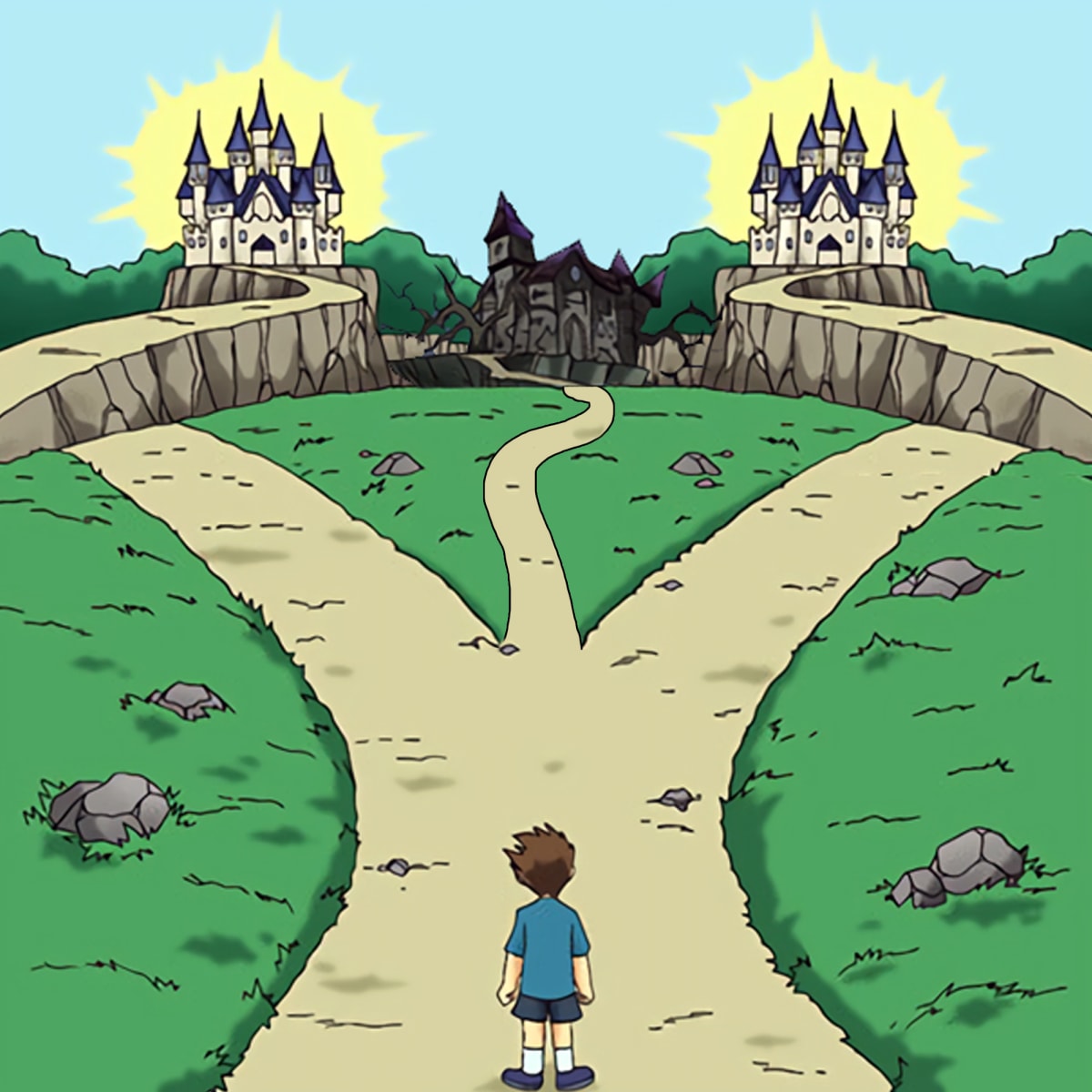
Sequence format
Two Paths Meme Template
A sequence format gives each caption area a step in an escalation, decision, story, or chain of consequences.

Caption-led format
1984 Meme Template
A caption-led format leaves the image to establish atmosphere while a short banner or open area provides the specific situation.
Caption areas change how you write
Among the editorially indexable formats, 422 use two caption areas, 59 use one, and 61 use three or more. Treat those areas as a writing constraint, not a requirement to fill every box.
One area
Write one clear premise when the image already communicates the reaction.
Two areas
Give the first area the setup and the second the contrast, response, or punchline.
Three or more
Escalate or sequence the idea; do not turn the meme into a paragraph split across panels.
A four-step format check
- 1. Write the situation. Describe what happened before searching for a famous image. Specific triggers produce better template choices than the word “funny” alone.
- 2. Name the visual job. Decide whether the image should show a reaction, a contrast, an escalation, or an atmosphere. Choose the family that performs that job.
- 3. Protect the focal point. Check the crop, caption area, contrast, and phone-size preview. A technically complete meme can still fail if it hides the expression or makes the text unreadable.
- 4. Review the context. Remove private names, screenshots, documents, and details you do not have permission to share. A relatable joke should not require someone else to absorb an unexpected privacy risk.
Browse by audience or moment
Use the collection directory when you know the context but not the template name. Each collection has its own editorial introduction, caption tips, and related formats.